Websites and Microsoft 365 apps for small teams
I'm JP Lovett. I build simple, fast websites for small businesses, churches and nonprofits, and Power Apps and Power Automate tools for teams that work in Microsoft 365. You deal with me directly, from the first call to the day you're updating it yourself.
What I do
Websites
For small businesses, churches and nonprofits that need a site that's quick, clear and easy to keep current.
- New sites, and redesigns of old ones
- Moving your site off expensive hosting
- Photo galleries, events, sign-ups and registration forms
- Updates you can make yourself, with step-by-step help written for you
Microsoft Power Platform
For teams already paying for Microsoft 365 who are still running on spreadsheets, email and paper.
- Power Apps: forms and small apps for your phone or computer
- Power Automate: approvals, reminders, and moving information between Outlook, Teams, SharePoint and Excel
- Power Pages: a website that works with your Microsoft 365 data
- Planner Premium: projects and tasks the whole team can see in one place
Recent work
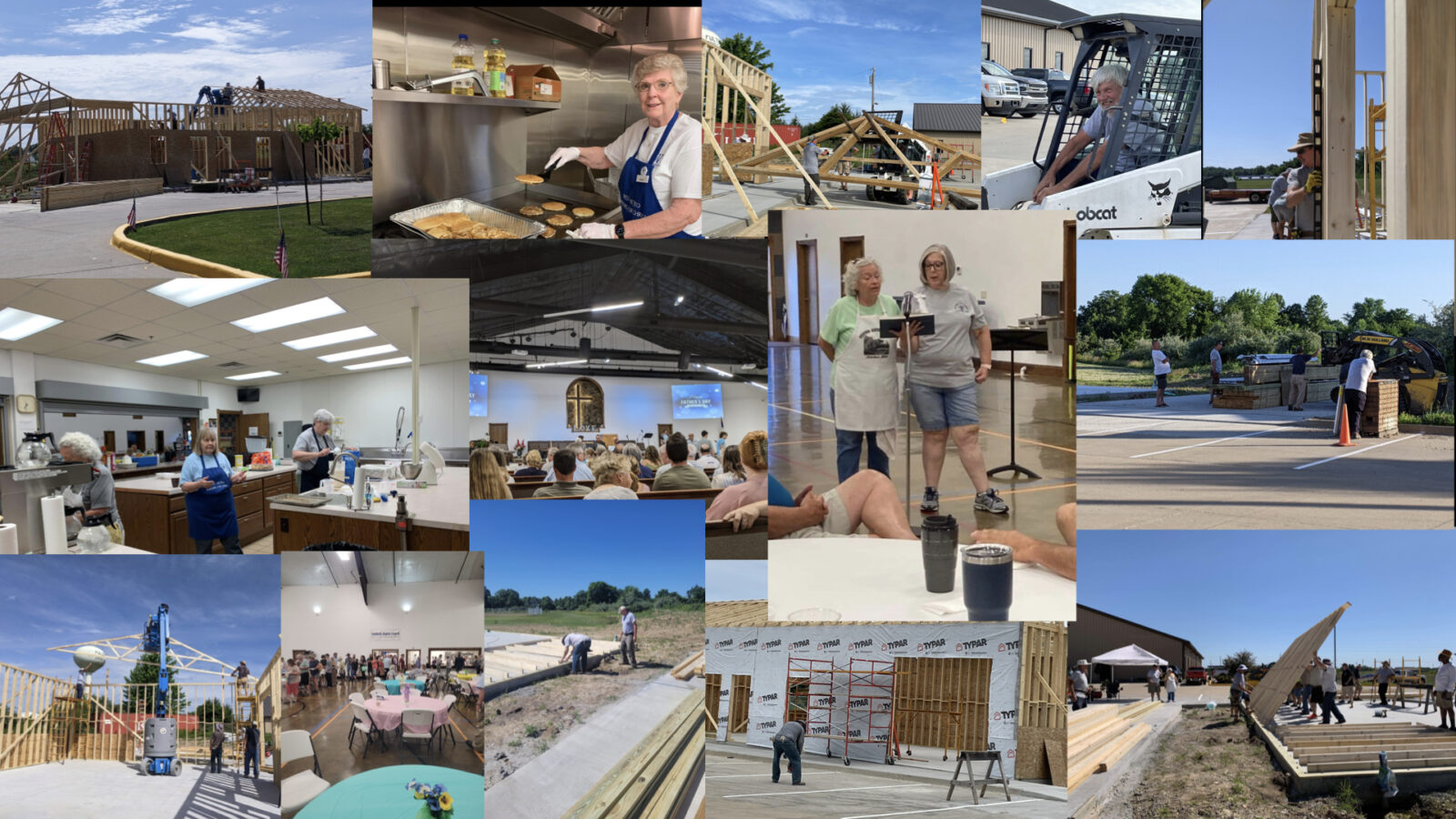
Builders for Christ – West Metro
An all-volunteer group that has built a church somewhere new every summer since 1989. In 2026 I rebuilt their site around its history: every project, a photo gallery for each year, and a help page so their coordinator can post each new trip and its photos himself.
- 38summers of projects
- 29photo galleries
- $0a month to host
Flute Blanks
My first web client, about twenty years ago: a woodworking shop selling hardwood flute blanks and carved totems. I kept their site running for two decades until the business closed in 2026.
How a project goes
We talk
Tell me what's slowing your team down, or what your site needs to do.
I write it up
A short plan: what I'll build, what it will cost and when it'll be ready.
I build, you try it
You see it early and often. Changes along the way are part of the job.
You take it over
You get the keys, plain-English instructions, and me when you need a hand.
Already a client?
Send me an email with what you'd like changed. It helps to include:
- a link to the page or the name of the app
- what it says now and what it should say or do instead
- a screenshot, if it's easier to show than describe
I'll write back to say when it will be done.
Tell me about your project
A few sentences is plenty: who you are, what you need, and roughly when.